The easiest internet setup for most first-time visitors
For most short China trips, start with a travel eSIM or roaming so you have mobile data when you land. Prepare a VPN before departure for hotel Wi-Fi, public Wi-Fi, local SIM use, or laptop browsing. If you are not sure whether you need one, read Do You Need a VPN in China? — or go straight to which VPN actually works in 2026. Only get a local Chinese SIM if you need a +86 phone number, SMS codes, or a longer-stay setup.
Start with the guide that matches your biggest internet question
Most travelers do not need every guide here. Pick the one that matches your situation.
Best eSIM for China Travel
The easiest way to get mobile data in China without dealing with local SIM registration right after landing.
Open eSIM guide →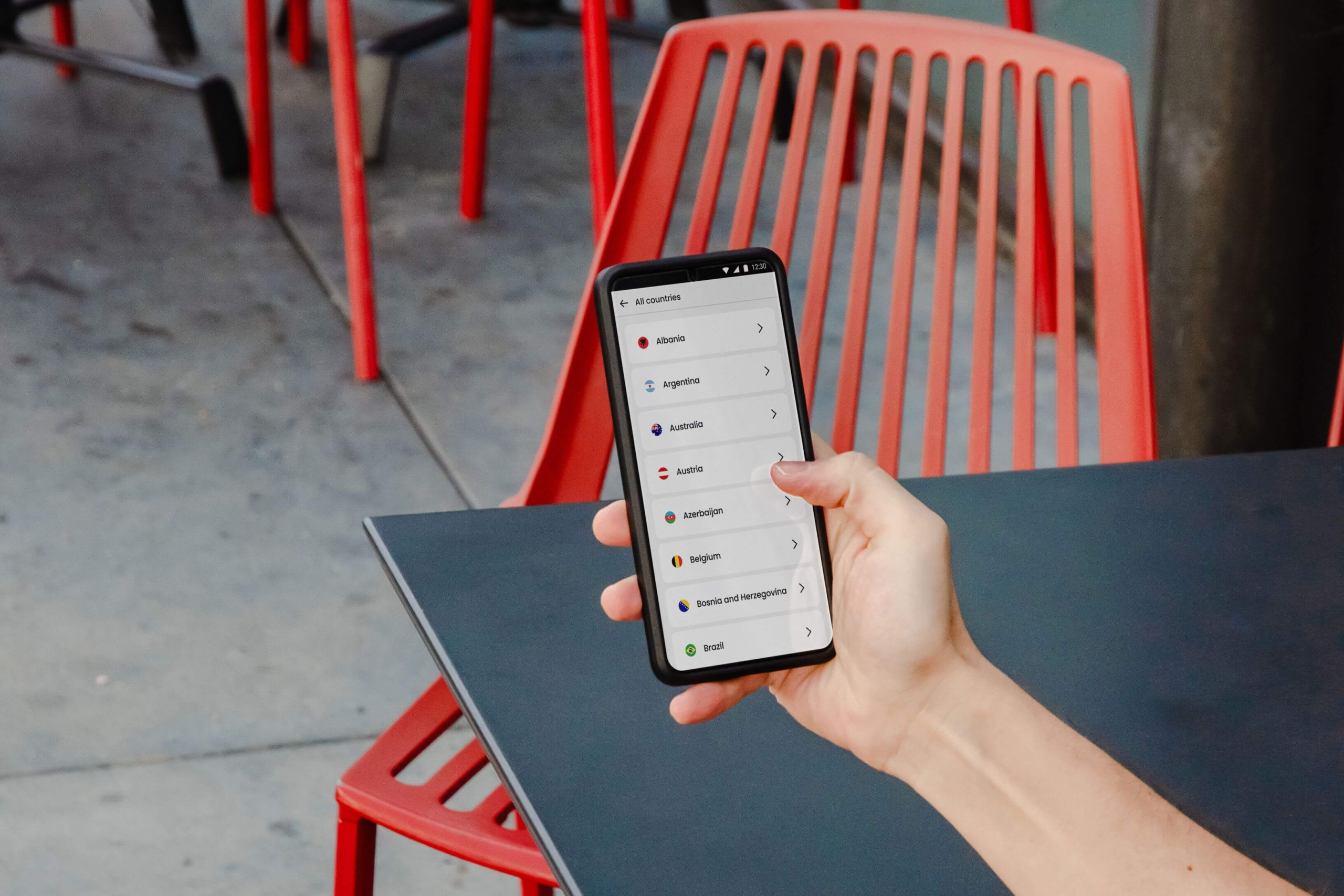
Do You Need a VPN in China?
Not sure if eSIM is enough? Read this first to understand when a VPN is actually necessary for your trip.
Open VPN guide →
Best VPN for China in 2026
LetsVPN shut down. Here is what actually works now — tested over three months in mainland China.
Open VPN comparison →
China SIM Card for Foreigners
Need a +86 number, SMS verification, or a more stable setup for a longer stay? Start here.
Open SIM guide →For most short trips: eSIM first, VPN as backup
A travel eSIM is the easiest first step. A VPN is still worth preparing for hotel Wi-Fi, public Wi-Fi, laptop use, or local SIM situations. Since LetsVPN shut down in 2026, make sure you are using one that still works.
Why internet setup affects the whole trip
For many foreign travelers, internet problems in China are not just annoying — they can break everything else. If you cannot get online, it becomes harder to use maps, message hotels, receive booking codes, pay inside apps, call a ride, translate signs, or contact family after landing.
That is why this topic is bigger than just "Do I need a VPN?" You also need to decide how you will get mobile data during your first few hours in China, whether you need a Chinese phone number, and which VPN is actually reliable right now — especially after LetsVPN shut down in early 2026.
This hub covers the questions travelers really ask: does the internet work normally in China, can I use WhatsApp and Google, should I use eSIM or roaming, when is a VPN necessary, and which one works.
Pick the setup that fits your trip
If you are not technical, this is the section that matters most. Choose the setup that sounds most like your situation.
I just want the easiest setup for a short trip
Use a travel eSIM or roaming for your first connection in China. It is usually the simplest way to get online quickly without dealing with local stores or SIM registration right after landing.
I need Google, WhatsApp, Instagram, or Gmail
A travel eSIM may work for many international apps on mobile data, but prepare a VPN before arrival for hotel Wi-Fi, public Wi-Fi, or laptop use. See which VPN works in China right now →
I need a Chinese number for apps, codes, or services
A local SIM card may be worth it, especially for longer stays, SMS verification, public Wi-Fi login, ride-hailing, deliveries, or account verification.
I am not sure what I need yet
Start with the full internet guide first. It will help you decide whether you need eSIM, VPN, roaming, local SIM, or some combination of them.
VPN, SIM, eSIM, or roaming: what should you actually prepare?
You do not need the most complicated setup. You need the one least likely to cause problems during your actual trip.
What works for most travelers
Travel eSIM is often the easiest first layer. For short trips, it can give you mobile data when you land and may help you use apps like Google, WhatsApp, Gmail, or Instagram on mobile data.
A VPN should be prepared before your trip. You may not need it constantly if your eSIM works well, but it is still useful for hotel Wi-Fi, public Wi-Fi, local SIM cards, and laptop browsing. Note that LetsVPN shut down in China in early 2026 — check which ones still work before you go.
A local SIM card makes more sense when you need a Chinese number. A data-only eSIM usually does not solve +86 SMS verification, public Wi-Fi login, or deeper local service use.
The simplest recommendation
For most first-time visitors:
• Use a travel eSIM or roaming for your first internet connection
• Prepare and test a VPN before departure — see what works in 2026
• Use the VPN mainly for Wi-Fi, local SIM, laptop, or backup situations
• Get a local SIM later only if you need a +86 phone number
• Do not depend only on hotel Wi-Fi or last-minute improvisation
Common internet mistakes first-time visitors make
These are the mistakes that most often turn a simple setup into unnecessary stress.
Go deeper into eSIM, VPN, SIM cards, and internet access
Step-by-step help with mobile data choices, VPN prep, Chinese phone number issues, and what will and will not work in China.
Best eSIM for China Travel
Start here if you want to know whether China eSIMs work with Google, WhatsApp, Instagram, and how much data to buy.
Read eSIM guide →Do You Need a VPN in China?
Not sure if eSIM is enough? This guide explains when hotel Wi-Fi changes things and when a VPN is actually worth preparing.
Read VPN decision guide →Best VPN for China in 2026
LetsVPN shut down in China. Here is what still works — NordVPN tested over three months in mainland China, with an honest comparison of alternatives.
Read VPN comparison →China SIM Card for Foreigners
For travelers thinking about a local +86 number, SMS verification, public Wi-Fi access, or a more stable mobile setup for a longer stay.
Read SIM guide →Internet in China: Full Explained Guide
If you want the full picture before deciding anything — what works, what does not, and why China's internet is different.
Read full internet guide →All Internet, VPN and SIM Articles
Browse the full archive of every internet, VPN, SIM, eSIM, and setup-related post in one place.
See all internet articles →Looking for the full archive instead of the recommended path? Browse the Internet & VPN & SIM in China category.
Quick answers to common China internet questions
These are the questions many travelers still have before they finalize their setup.
Do I need a VPN in China?
Not always. Many short-term travelers can get by with eSIM or roaming on mobile data, but a VPN is still useful for hotel Wi-Fi, public Wi-Fi, laptop browsing, or backup access to Google, WhatsApp, Gmail, and other international services. Full answer here →
Which VPN works in China in 2026?
LetsVPN shut down operations in mainland China in early 2026. NordVPN has been the most consistent option tested over three months. See the full comparison →
Does the internet work normally in China?
Not exactly. Many international apps, websites, and services do not work the same way travelers are used to outside China, which is why internet prep matters before the trip.
Can I use WhatsApp, Google, Instagram, or Gmail in China?
A travel eSIM or international roaming may work for many international apps on mobile data. If you use hotel Wi-Fi, public Wi-Fi, a local Chinese SIM, or a laptop, a VPN can still be useful as a backup.
Should I use an eSIM or SIM card in China?
For short trips, eSIM or roaming is often simpler. For longer stays, a local SIM card may be more useful if you want a Chinese phone number, SMS verification, or deeper local app access.
Do I need a Chinese phone number in China?
Not always, but it can help with app registrations, SMS codes, public Wi-Fi login, ride-hailing, deliveries, and account verification. Most travel eSIMs do not provide a +86 number.