

If you're visiting China in 2026, you do not need a Chinese bank account for normal tourist spending. For most foreign travelers, the easiest setup is:
- Alipay linked to an international Visa or Mastercard as your main payment method
- WeChat Pay as a second mobile-payment option
- A physical international bank card as backup
- A small amount of RMB cash for emergencies
That combination covers most restaurants, shops, taxis, attractions, hotels and everyday travel situations without forcing you to rely on a single app.
This guide explains the overall payment system. If you need detailed setup steps, see our dedicated Alipay for Foreigners and WeChat Pay for Foreigners guides.
You can also start from our Payments in China hub, which brings together setup, verification, payment-failure and backup-payment advice.
Can Foreigners Pay in China Without a Chinese Bank Account?
Yes.
International visitors can use Alipay and WeChat Pay with supported foreign cards, so a Chinese bank account is no longer a basic requirement for ordinary tourist payments.
China is often described as "cashless," but the better way to think about it is mobile-payment first. In major cities, QR-code payments are the norm at restaurants, supermarkets, convenience stores, taxis, tourist attractions and many smaller businesses.
That does not mean every payment will work perfectly. Foreign-linked cards can still fail at certain merchants, banks may block transactions, and app verification can occasionally cause problems. That's why the best strategy is not to choose one payment method — it's to build a simple backup system before you arrive.
The Best Payment Setup for Most Travelers
For a short trip, I would prepare payments in this order:
| Payment method | Best use | Role |
|---|---|---|
| Alipay + foreign card | Everyday shops, restaurants, transport and attractions | Primary |
| WeChat Pay + foreign card | Everyday payments and WeChat-based services | Backup / secondary |
| Physical Visa or Mastercard | Hotels, larger merchants, emergency fallback | Backup |
| RMB cash | Phone failure, card decline, poor connectivity | Emergency backup |
The point is redundancy. If one app or card fails, you should be able to switch payment methods in seconds rather than troubleshoot at the checkout counter.
Alipay vs WeChat Pay: Which Should You Set Up?
Set up both if you can.
For many first-time visitors, Alipay is slightly easier as the main travel payment app because its interface and travel-related services are straightforward for international users.
WeChat Pay is still worth installing, especially if you're already using WeChat to communicate with guides, drivers, hotels or local contacts.
There is no need to turn this into an Alipay-vs-WeChat debate. The practical benefit comes from having two working mobile-payment options.
For the full setup process, see:
How to Set Up Alipay Before Your Trip
Do this before you fly rather than waiting until you are standing in an airport or train station.
Step 1: Download Alipay and register
Install the official Alipay app and create your account with a phone number you can access for verification.
Step 2: Complete passport verification
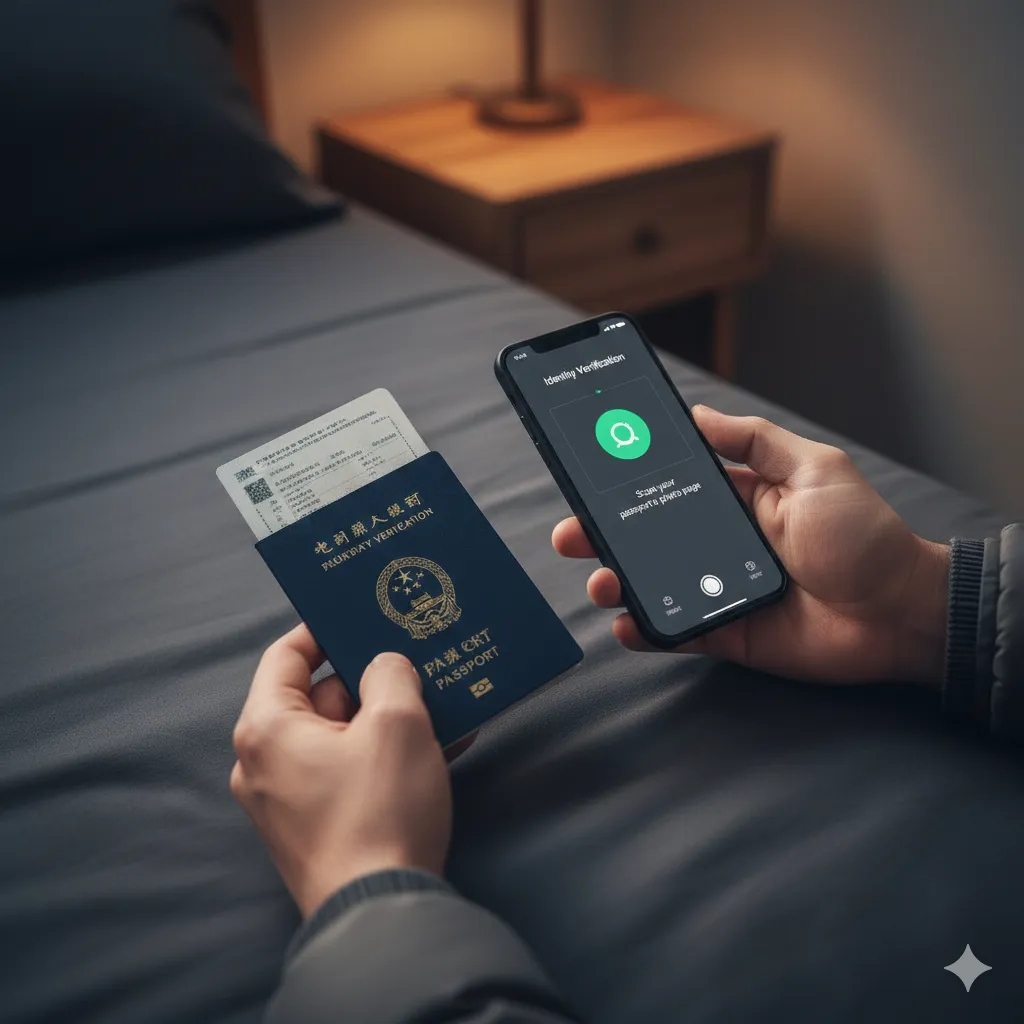
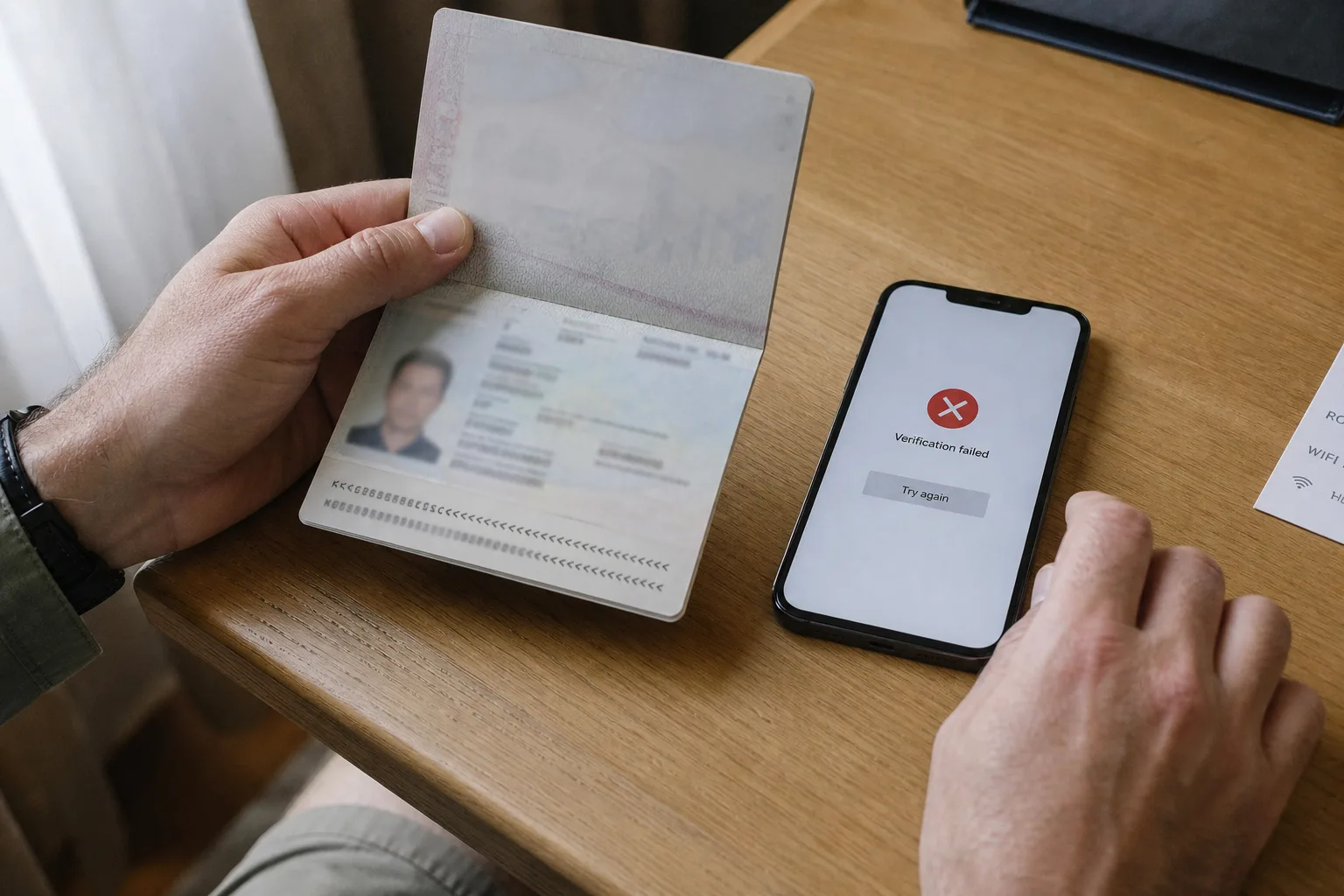
Use a clear passport image with good lighting and minimal glare. If identity verification repeatedly fails, use our dedicated Alipay & WeChat Pay verification troubleshooting guide.
Step 3: Link an international card
Add a supported Visa, Mastercard or other eligible international card. Enter your cardholder information exactly as requested.
Your card issuer may still block a linking attempt or transaction because of fraud controls or overseas-payment settings. If that happens, check your bank settings or try another card rather than assuming Alipay itself is broken.
Can You Use Visa and Mastercard in China?
Yes — but there are two different ways foreign cards matter in China.
First, you can link supported international cards to mobile-payment apps such as Alipay and WeChat Pay. For tourists, this is often the most useful way to use a foreign card because QR-code payments are widely used.
Second, some hotels, shopping malls and larger merchants accept physical international cards directly. But physical-card acceptance is not as universal as mobile payment, especially at smaller businesses.
So bring the card, but don't make the physical card your only plan.
How to Actually Pay: 3 Common Scenarios
Scenario A: The cashier scans your payment code
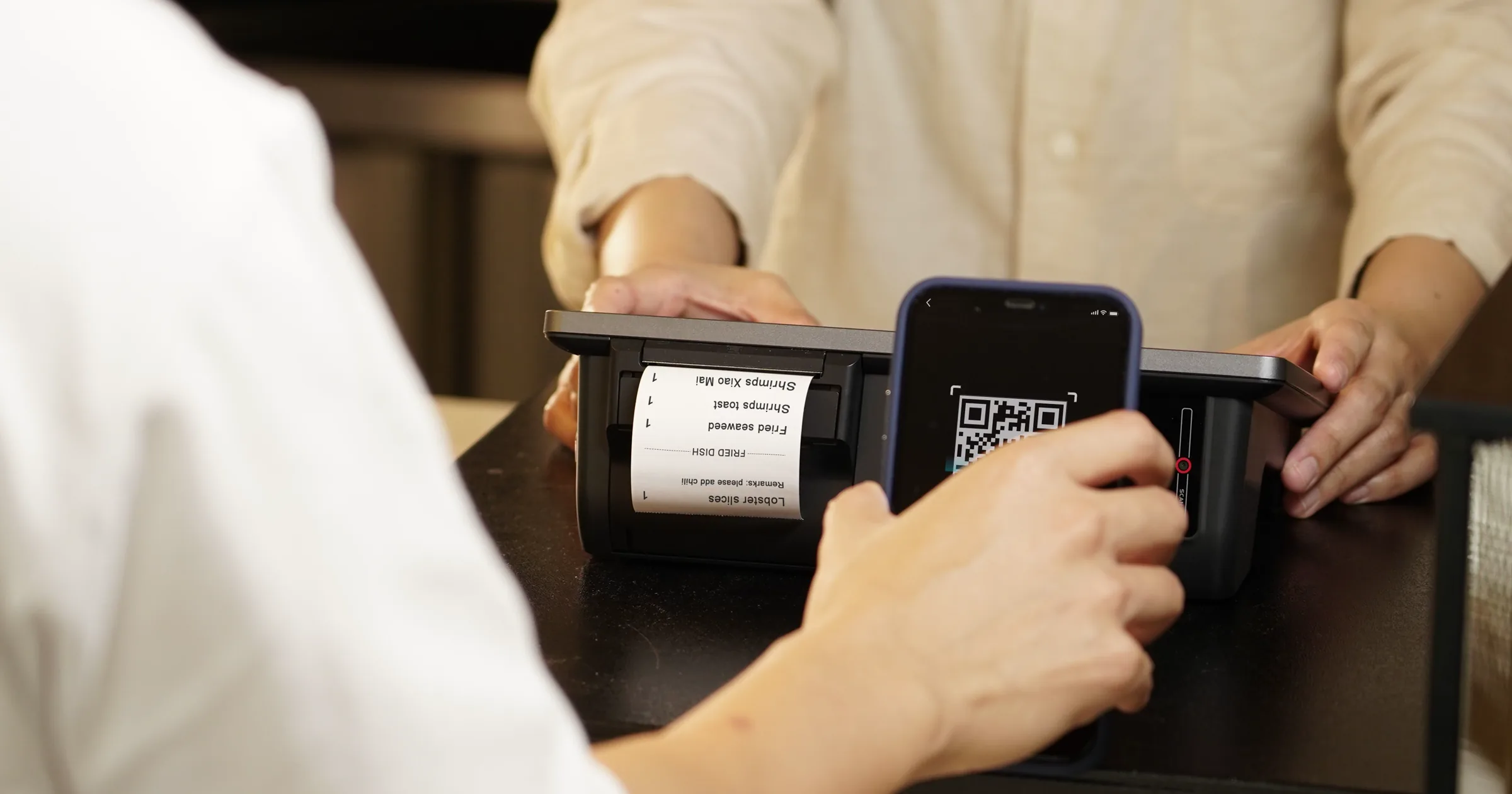
At supermarkets, chain stores and many restaurants, open Alipay or WeChat Pay and show your payment barcode or QR code. The cashier scans it and the transaction completes in the app.
Scenario B: You scan the merchant's QR code
At smaller restaurants, cafés or shops, you may see a QR-code sticker near the register. Open Scan, scan the code, enter the amount if required and confirm payment.
Scenario C: In-app payments such as Didi
Services such as ride-hailing are often paid inside the app or mini-program rather than by scanning a separate code at the end of the ride.
Always check the app's payment status before paying a driver or merchant separately, otherwise you risk paying twice.
Fees When Using a Foreign Card
For international cards linked to major Chinese mobile-payment apps, smaller transactions can be exempt from service fees while larger transactions may incur a service charge.
A commonly published threshold is RMB 200 per transaction: eligible payments at or below that amount are generally exempt from the 3% international-card service fee, while payments above that amount may incur a 3% fee.
Promotional waivers can also apply to newly linked international cards, and terms can change. Check the current fee rules shown inside the app before relying on a specific promotion.
Your own bank may separately charge foreign-transaction or currency-conversion fees.
For budgeting, use our China currency converter.
What About Spending Limits?
International-card payment limits are higher than they used to be, but you should not assume every account has exactly the same allowance.
Chinese government guidance has previously listed mobile-payment limits of up to US$5,000 per transaction and US$50,000 per year for international cards. Actual limits can still depend on the payment product, account verification, service terms and card issuer.
If you are planning a large hotel payment, premium purchase or other high-value transaction, check the limit shown in your own payment app first.
Can You Still Use Cash in China?
Yes.
RMB cash remains a legitimate payment method, and carrying some is a good backup even though most urban travelers will use mobile payment for the majority of day-to-day spending.
Cash is most useful when:
- Your phone battery dies
- Your mobile data stops working
- A linked card is declined
- A merchant's QR code does not support your foreign-linked card
- You are traveling in a smaller town or rural area
How Much Cash Should You Carry?
You do not need a wallet full of banknotes. For many travelers, RMB 200–500 in small denominations is enough as an emergency reserve.
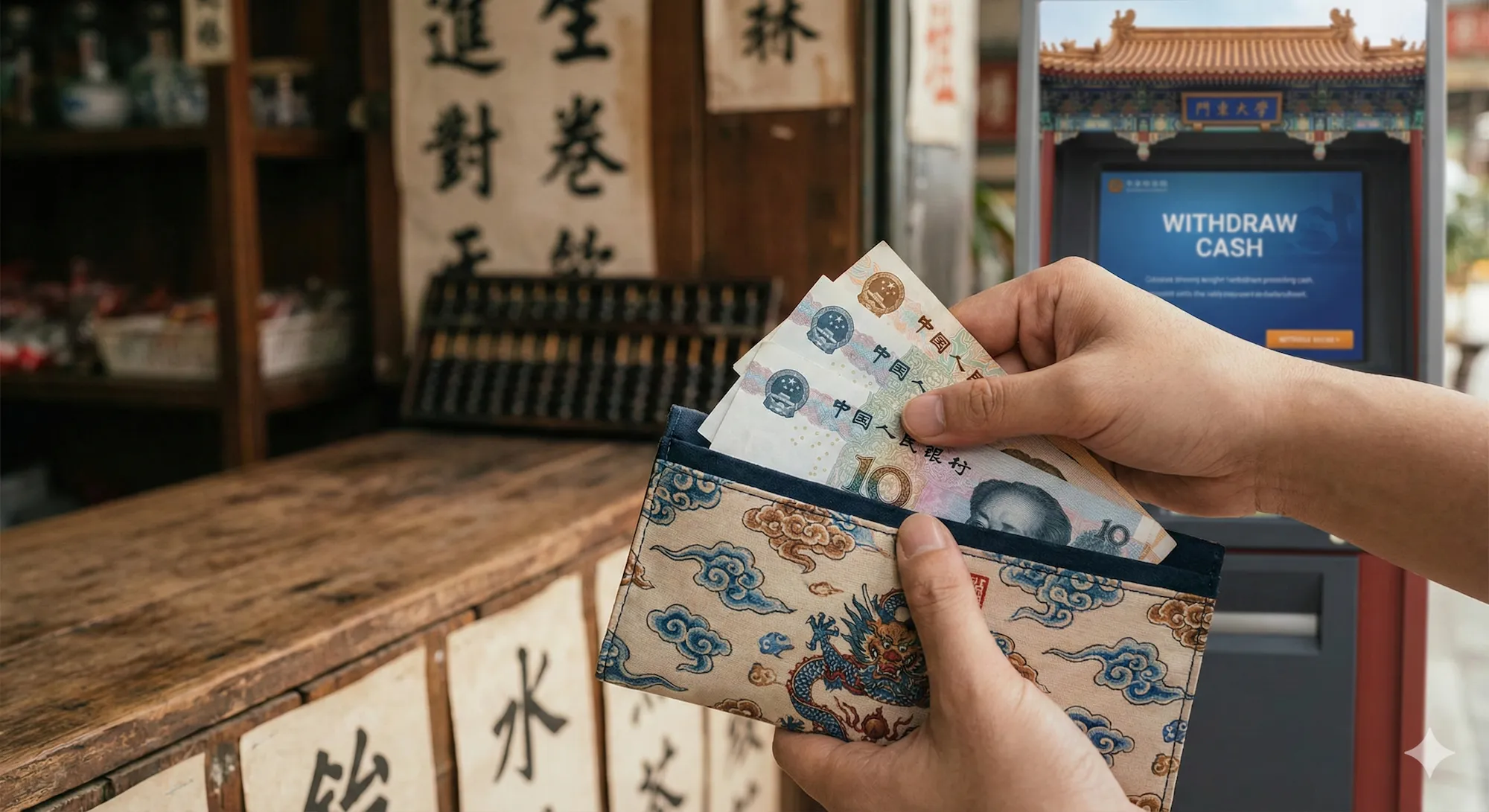
If you need more, major-bank ATMs can be an option, although acceptance and fees depend on your card and bank.
Payment Not Working? What to Try First
Payment failures are frustrating because several different systems are involved: the payment app, your card issuer, the merchant's account and your internet connection.
1. Try another payment method
If WeChat Pay fails, try Alipay. If Alipay fails, try another card or cash. At the checkout counter, switching methods is usually faster than diagnosing the exact cause.
2. Check your card issuer
Your bank may block an unfamiliar overseas transaction or require additional authorization. Check your banking app or contact the issuer if repeated attempts fail.
3. Check connectivity
Poor hotel Wi-Fi, underground restaurants and weak mobile data can interfere with payment flows. Switch networks and retry if the app is not loading correctly.
4. Check whether the merchant's QR code supports your card
Some merchant or personal QR codes may behave differently with international cards. A failure at one small merchant does not necessarily mean your Alipay or WeChat Pay setup is broken.
If you keep seeing errors, read Why Your Payment Fails in China for a more detailed troubleshooting flow.
Cash, Mobile Payment and Card Backup: What I Would Carry
For an ordinary China trip, I would leave the hotel with:
- A phone with Alipay and WeChat installed
- Mobile data that works in China
- At least two linked cards if possible
- One physical bank card
- A small amount of RMB cash
That is enough redundancy for the vast majority of tourist payment situations.
Useful Chinese Phrases for Payment Problems
| Situation | English | Pinyin | Chinese |
|---|---|---|---|
| Pay | Can you scan me? | Nǐ sǎo wǒ ba. | 你扫我吧 |
| Network issue | My internet is slow, please wait. | Wǒ wǎng bù hǎo, děng yī xià. | 我网不好,等一下 |
| Cash | Do you take cash? | Shōu xiàn jīn ma? | 收现金吗 |
FAQ
What is the easiest way for a foreigner to pay in China?
For most travelers, the easiest setup is Alipay linked to an international card, with WeChat Pay, a physical card and a small amount of RMB cash as backups.
Do I need a Chinese bank account to use Alipay or WeChat Pay?
No. Eligible international visitors can link supported foreign cards without opening a Chinese bank account.
Can I use my Visa or Mastercard directly in China?
At some hotels, shopping malls and larger merchants, yes. But direct physical-card acceptance is less consistent than mobile QR payments, so linking the card to Alipay or WeChat Pay is usually more useful.
Should I bring cash to China in 2026?
Yes, but only as backup. Mobile payment will cover most day-to-day tourist spending in major cities, while a small amount of RMB protects you if your phone, network or linked card fails.
Is Alipay or WeChat Pay better for tourists?
Both are useful. Alipay is often easier as the main travel payment app, while WeChat Pay is a valuable second option and integrates naturally with WeChat-based services.
What should I do if my payment fails?
Try another payment app or card first. Then check your internet connection and card issuer. If failures continue, see our payment failure troubleshooting guide.
Related Payment Guides
- Payments in China for Foreigners
- Alipay for Foreigners
- WeChat Pay for Foreigners
- Why Your Payment Fails in China
- Alipay & WeChat Pay Verification Failed
- China Currency Converter
- Survival Kit
Last updated: September 2026. Mobile-payment rules, international-card fees and account limits can change. Check the current terms shown in Alipay or WeChat Pay before relying on a specific fee waiver or payment limit.